
Take your side
Choose Play now to open practice. Pick Easy, Normal or Hard, or open Two player to invite a friend.
Start a table tennis game online against the computer, or invite a friend to play by room code or link.
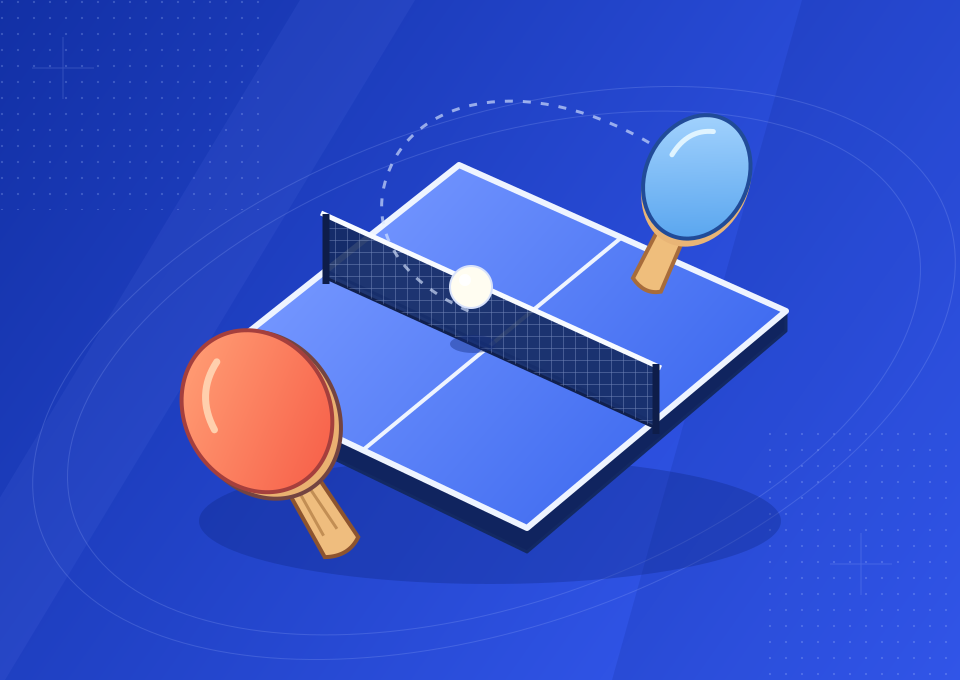
Play table tennis online in 3D with a friend, practice your returns, or jump into a quick game.
Create a private room and invite a friend by link.
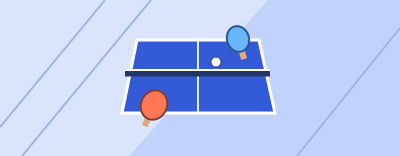
Have a room code? Join your friend for a match to seven.
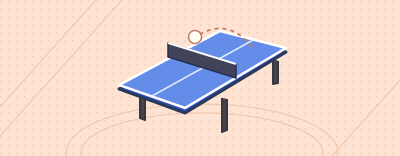
Read the bounce and play the angles on a perspective court.
Start a quick match on this page during a break.
Choose Play now to open practice. Pick Easy, Normal or Hard, or open Two player to invite a friend.
Move your mouse, drag or use the arrow keys to line up a block. A still paddle sends the ball back using the pace of the incoming shot.
Click, tap or press Space just before contact for a firmer return. A soft edge hit can fall into the net. First to seven wins.
| Mode | Opponent | Getting started |
|---|---|---|
| Practice | Computer: Easy, Normal or Hard | Open Play now and move your paddle |
| Private multiplayer | A friend on another device | Create a room and share its invitation |
| Quick play | Computer | Play directly on the unblocked page |
RallyPoint is a browser table tennis game built around short rallies and private matches with friends. Choose Play now to load the court here, or choose Two player to create a room without leaving the homepage. You do not need an account, a download, or a player profile. The fixed court preview also loads when you scroll to it, keeping your place on the page. Your paddle is coral, your opponent's paddle is blue, and the scoreboard keeps your score on the left.
Play table tennis online in 3D from a fixed perspective behind your paddle. The far end of the table looks narrower, while the ball rises above its shadow as it travels. That depth helps you read a bounce and prepare a return. The presentation stays focused on the table, two rackets and the ball, so there are no player animations or crowds covering the contact area. The same court and ball behavior are used in practice and in private matches.
Practice gives you an AI opponent and three difficulty settings. Easy is a useful starting point when you are learning where the ball meets the paddle. Normal asks for earlier positioning and more deliberate returns. Hard predicts the path sooner, makes fewer aiming mistakes and sometimes chooses a fast drive. You can change the setting during practice without resetting the current score. The selected difficulty is remembered in that browser when local storage is available.
A private match connects two people on separate devices. One person creates a room and sends the invitation; the other opens the link or enters the code. There is no public matchmaking queue, local split-screen mode or shared-keyboard contest. If you want to organize a game, use the table tennis online multiplayer page. If your friend already sent a code, the table tennis 2 player online page gives you a direct place to enter it.
The first player to reach seven points wins. At six all, the next point decides the match; this browser game does not require a two-point winning margin. A serve is automatic, with the ball bouncing on the server's half before crossing to the receiver. Service changes after every two completed points. You can concentrate on getting ready for the incoming ball rather than performing a separate service gesture. Watch the toss before moving into your receiving position.
During a rally, send the ball across the net and onto your opponent's half. A return that lands outside the table gives the other player the point. If a weak shot catches the net and falls back, the hitter loses that rally. A slight touch above the net can continue if the ball still reaches the opposite side. When the ball passes an opponent who cannot return it after a legal bounce, the point is yours. The game resolves the ball's path before preparing the next serve.
Move your mouse across the court to aim, use the left and right arrow keys, or drag a finger on a touchscreen. Aim for where the ball will reach your end, rather than following its current horizontal position exactly. The near-edge marker helps with this. A stationary paddle can return the ball through its incoming momentum; you do not have to click on every shot. Begin with centered blocks and try to keep several returns in play before adding power.
For a stronger shot, click, tap or press Space shortly before contact. On a phone, an upward swipe also produces a drive. A swing happens for a short time, so pressing too early can leave you with a plain block when the ball arrives. Pressing after the ball has passed cannot recover the miss. Think of your input as a brief stroke near the moment of impact, rather than a button that stores power indefinitely. A controlled, timely swing is more useful than constant tapping.
Where the ball meets the paddle changes the outgoing angle. Center contact usually makes a straighter return; a contact toward an edge opens a wider direction. Moving the racket sideways through impact adds to that change. A diagonal upward swipe can add sidespin, bending the flight and changing sideways movement at the bounce. Faster strokes add pace and topspin. These effects interact, so the same-looking swing can behave differently against a slow ball and a fast incoming drive.
There are no invisible walls along the table's sides. If you brush too aggressively or reach the ball at the very edge of your racket, your shot can miss the tabletop. Start with a modest angle and increase it only when your returns are landing consistently. A good rally pattern is a centered return followed by a controlled wide shot. Recover toward the middle after contact so you have room to respond to either side. Full power is a choice, not a requirement for every ball.
The court fits a portrait screen, and the main controls are large enough to tap. Keep a finger low on the court so it does not hide the incoming ball. Drag to reposition, then make a short upward movement when you want a drive. You can bring the finger back down to prepare another stroke without lifting it after every return. A diagonal movement adds more sideways brush than a straight upward movement. Small movements are often enough for a safe block.
The speaker button at the upper right controls racket, bounce, point and victory sounds. Sound begins after you interact with the page because browsers restrict automatic audio. Muting is remembered locally, alongside your practice difficulty. If a game feels interrupted, bring the tab to the foreground, close heavy background work and check your connection before joining another room. In practice, the rally runs on your device; multiplayer also needs a continuous connection to the room.
You can enter practice and create or join private matches without paying or making an account. There is no registration step between choosing a mode and entering the court. Your browser may still need permission to play audio after a gesture, but this is separate from signing in. The About page explains what RallyPoint currently offers.
Yes. One player can use a mouse or keyboard on a computer while the other uses touch controls. Each person sees their own paddle at the near end. Share the room link and keep both game tabs open. You do not need to be on the same Wi-Fi network, although each device needs a working internet connection.
A soft block may not carry enough energy to clear the net, especially after an off-center contact. A wide return can come from too much edge contact, lateral racket movement or sidespin. Try lining up earlier and using a smaller stroke. The 3D court guide explains how to separate ball height from its position over the table.
The ping pong unblocked page keeps a playable practice court on the page and offers a larger same-site view. It does not ask you to sign in or send you through an external game portal. Access still depends on the rules of your device and network. Use a permitted break and leave the court when you need to return to other work.
Choose Two player in the homepage court, create a room and share the invitation link. Your friend opens it on another device. Keep the room open while they join; the match starts when both players arrive.
It uses two devices, with one browser per player. Each person sees their own paddle at the near end. You can mix a phone and a computer. Shared-keyboard and split-screen play are not included.
Yes. A room has two seats: yours and the friend who joins your code or link. There is no random matchmaking. Share the invitation privately so someone else does not take the open seat.
No. On the homepage, Play now loads the game in the reserved court below the introduction. The rest of the page stays in place. You can switch between practice and two-player mode there, or close the game and return to the preview.